Most landing pages do not have a traffic problem. They have a hierarchy problem. Here is the unsettling truth: research from Google reveals that users form a first impression of a website in just 0.05 seconds, which means your landing page has less than a blink of an eye to guide visitors toward your CTA before they decide to bounce.[1]
If your landing page hierarchy is unclear, cluttered, or misaligned with user intent, visitors will leave. Not because they are not interested, but because they cannot find what they need quickly enough. In this guide, we will break down what landing page hierarchy really means, walk you through the core principles that keep visitors engaged, show you the design elements that reinforce visual flow, and give you a proven structure to turn those 3-second windows into conversions.
What Is Landing Page Hierarchy and Why It Matters
The Psychological Foundation of Visual Hierarchy
Human brains are hardwired to scan, sort, and prioritize information in a split second. This evolutionary trait directly influences how visitors process your landing page. When a user lands on your page, their visual cortex automatically seeks out the most prominent elements: the largest headline, the boldest call-to-action, the brightest contrast. This is not a conscious decision; it is automatic. Understanding this psychological mechanism is the first step in building an effective landing page hierarchy that works with human nature rather than against it.
How Landing Page Hierarchy Directly Impacts Conversion Rates
Your conversion rate lives or dies by how clearly visitors can follow your intended path. A strong landing page hierarchy reduces cognitive load and guides users naturally from headline to value proposition to call-to-action without friction. When the visual flow aligns with user intent, visitors spend less time figuring out where to look and more time moving toward your conversion goal.
Industry Statistics on Hierarchy-Driven Conversions
According to Google research, users form a first impression in just 50 milliseconds, and hierarchy determines what they see first. Nielsen Norman Group eye-tracking studies consistently show that visitors scan in F-shaped patterns, focusing on headlines and left-aligned content before moving downward. These findings prove that strategic visual arrangement is not optional; it is the foundation of every high-converting landing page.[2][3]
Core Principles of Effective Landing Page Hierarchy
Fitts’ Law states that the time to reach a target depends on its size and distance, and this principle becomes critical when designing landing page hierarchy specifically. Your call-to-action button needs to be large enough to catch attention but positioned where users naturally gravitate. Research from the Nielsen Norman Group shows that oversized buttons can actually slow down decision-making, so aim for a button size between 44-48 pixels that sits within comfortable reach of the primary viewing area.[4]
Layout choice between Z-pattern and F-pattern depends entirely on your audience and conversion goal. The F-pattern works best for text-heavy landing pages where you want users to scan headlines and key value propositions before moving to deeper content. A/B test results show 47% improvement in engagement with proper F-pattern layout implementation. The Z-pattern, on the other hand, suits simpler landing pages with a single clear action, guiding the eye from headline across to the call-to-action in one sweeping motion.
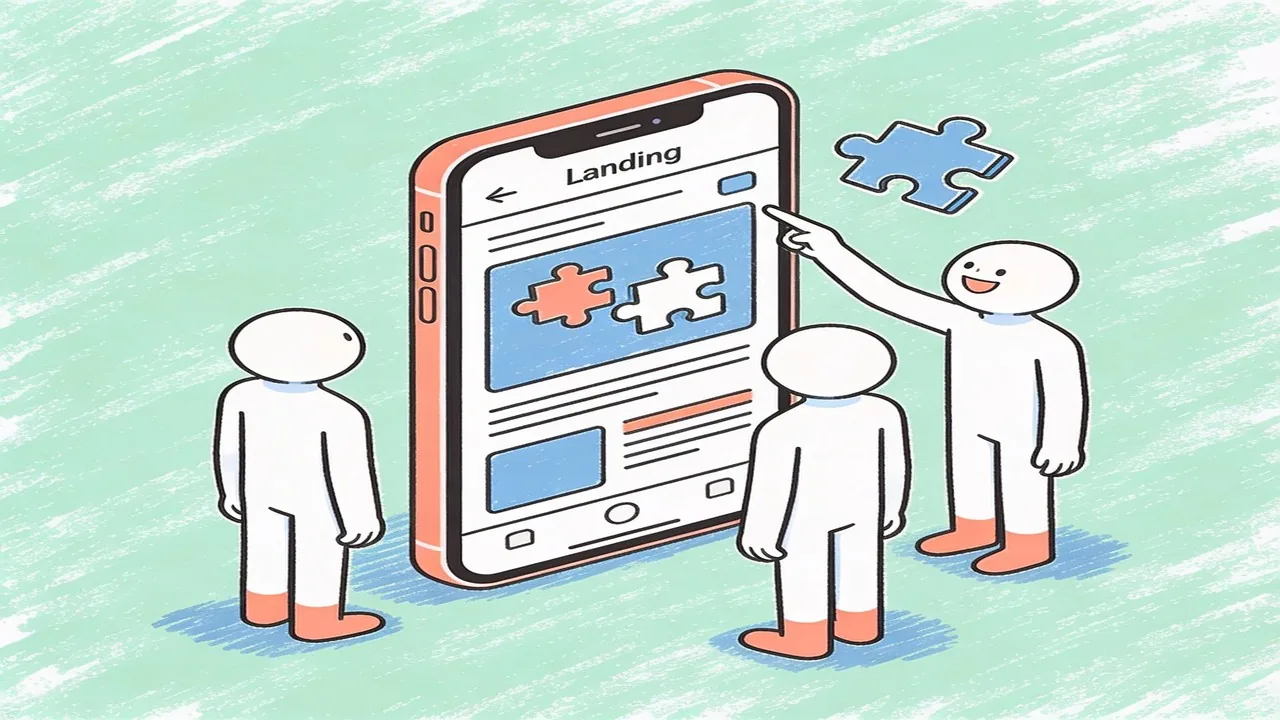
The 3-second rule takes on special meaning for landing page hierarchy, because visitors should instantly understand what you offer and what action you want them to take. Your headline, subheadline, and primary visual must work together within those first moments to communicate value. Any element that does not support this immediate understanding creates competing demands on the user’s attention and weakens your landing page hierarchy.
Design Elements That Strengthen Landing Page Hierarchy
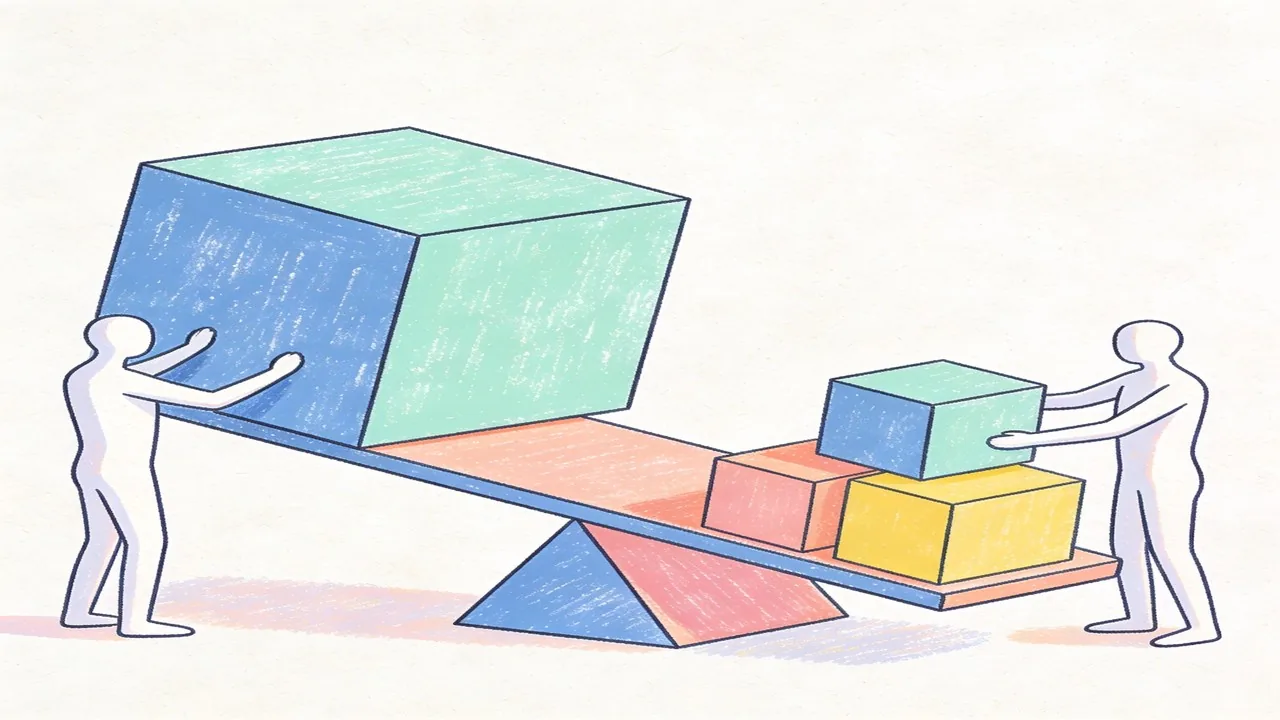
Typography scaling creates visual weight that immediately signals importance to visitors. A strong hierarchy uses font size, weight, and family to distinguish between headline, subheadline, and body text. Before: using 16px for headlines and 14px for body creates a flat, scannable mess. After: jumping from 48px headlines to 24px subheads to 16px body creates clear steps that guide the eye downward. Studies show that users spend 69% more time looking at areas with larger typography, making proper scaling essential for landing page hierarchy.
Color contrast serves as another powerful hierarchy tool. The 60-30-10 rule suggests using a dominant color for 60% of your palette, a secondary color for 30%, and an accent color for the remaining 10%. This creates natural visual flow while your accent color draws attention to buttons and key actions. The Web Content Accessibility Guidelines (WCAG) recommend a minimum contrast ratio of 4.5:1 for normal text and 3:1 for large text, ensuring your hierarchy remains readable for everyone.[6]
White space acts as the silent director of attention. Elements with more breathing room around them naturally attract the eye, which is why spacing your call-to-action generously from surrounding content increases conversions. Research from Nielsen Norman Group indicates that proper use of white space improves comprehension by up to 20%, making it a critical component of effective landing page hierarchy.[5]
How to Structure Your Landing Page Hierarchy for Maximum Conversions
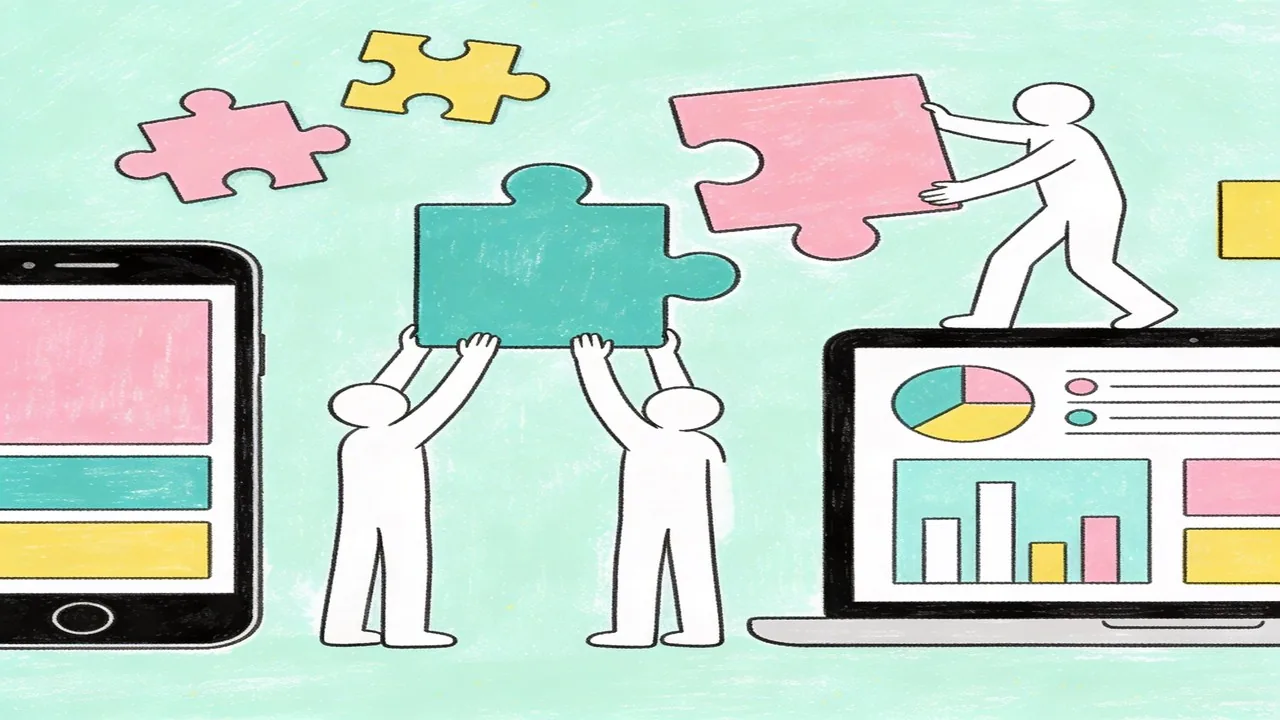
The fold is dead. Long live the fold. If you’re still designing around a single imaginary line that divides what users see first from what they have to scroll to, you’re working with outdated assumptions. In 2024, the “fold” varies dramatically depending on device, with smartphones showing content anywhere from 300px to 800px down the screen, while large desktop monitors reveal significantly more real estate above the fold than ever before. This variability makes rigid fold-based planning counterproductive, so smart designers now focus on progressive hierarchy instead.
Above the fold: The critical hierarchy elements
Regardless of where that invisible line falls, your above-the-fold content must accomplish three things immediately: communicate what you offer, establish credibility, and provide a clear path forward. This means your headline, subheadline, and primary call-to-action need to work together as a unified unit. Mobile users are particularly sensitive to this assembly, with 57% of users saying they’d leave a site if the above-the-fold experience felt cluttered or unclear. Desktop users scroll more willingly, but they still demand instant comprehension.
The CTA placement hierarchy debate
The age-old question of whether your CTA should live above or below the fold misses the point entirely. Rather than choosing one location, effective landing page hierarchy uses multiple CTAs positioned strategically throughout the page. Your primary CTA appears above the fold for immediate action, while secondary CTAs throughout the page capture users who need more convincing. Research from Invesp indicates that companies using multiple CTAs see a 20% increase in conversion rates compared to single-CTA approaches.[7]
Secondary content: When and how to reveal
The challenge is balancing information density with visual calm. Your supporting content, including testimonials, feature breakdowns, and trust signals, should feel like a natural progression rather than an interruption. Use visual cues like subtle background color shifts or contained card sections to signal new content areas without overwhelming the primary conversion pathway.
Testing and Optimizing Your Landing Page Hierarchy
Even the most thoughtfully designed landing page hierarchy needs real-world validation. Your assumptions about user behavior are valuable starting points, but data reveals what actually works. This is where testing transforms good design into high-performing design.
Heatmap analysis for hierarchy validation
Heatmap tools like Hotjar and Crazy Egg show you exactly where users focus their attention, how far they scroll, and where they hesitate. A common pattern: designers place key content in the top-left area based on Western reading patterns, but heatmaps often reveal users actually engage more with right-side elements or interactive components. Use these insights to validate whether your hierarchy matches actual user behavior, then adjust element prominence accordingly.
A/B testing hierarchy variations
Structured A/B testing allows you to compare different hierarchy arrangements systematically. Test one change at a time, whether that means repositioning your value proposition above social proof or trying a two-column layout versus a single column. Companies that implement regular A/B testing see conversion rate improvements ranging from 20% to 30% on average, according to research from Invesp.[8]
Common hierarchy patterns that outperform
Certain arrangements consistently outperform others in conversion-focused environments. The “benefit-led” pattern leads with outcomes rather than features, placing three key benefits before introducing your primary call to action. Another effective approach positions social proof immediately after the value proposition, building credibility while interest is highest. A B2B SaaS company restructured their landing page hierarchy using this pattern, moving customer logos above the fold alongside their headline instead of relegating them to the footer. The result was a 24% increase in demo requests over six weeks, proving that hierarchy optimization delivers measurable business impact.
Your landing page hierarchy isn’t static. Continuous testing ensures it evolves with user expectations and keeps converting.
Tools and Techniques to Build Better Landing Page Hierarchy
Now that you understand the patterns that drive conversions, let’s talk about the practical tools that make implementing strong landing page hierarchy actually happen. The right workflow transforms abstract concepts into pixel-perfect layouts that guide users exactly where you want them to go.
Design System Components for Consistency
Your design system is the backbone of consistent hierarchy. Components like headline styles, button variations, and spacing tokens ensure every page element relates visually to every other element. When your typography scale, color weights, and spatial relationships are codified, hierarchy decisions become systematic rather than intuitive guesses. Figma’s component properties and variants make this scalable across entire landing page libraries.
Wireframing Hierarchy Before Design
Wireframing strips away visual distractions and forces you to confront your landing page hierarchy choices head-on. Tools like FigJam or even paper sketches let you rapidly test different arrangements before committing to final designs. Some teams use AI tools to generate wireframe variations based on conversion goals, which can spark ideas they wouldn’t have considered otherwise. The key is treating wireframes as hierarchy experiments, not just layout sketches.
Accessibility Considerations in Hierarchy
Strong hierarchy isn’t just about conversion; it’s about accessibility too. WCAG guidelines emphasize that heading structures must be sequential, and visual hierarchy cues like color contrast and font weights need to meet accessibility standards. Screen readers navigate primarily through heading hierarchy, so your structure directly impacts whether visually impaired users can understand your page’s organization. According to WebAIM, proper heading structure remains one of the most common accessibility failures on landing pages today.[9]
Conclusion
Mastering landing page hierarchy is an ongoing process that balances user psychology, conversion goals, and accessibility standards. When you prioritize clear visual hierarchy, you’re not just making your page look professional; you’re making it usable for everyone, including those who rely on assistive technologies. The best landing pages treat hierarchy as a strategic asset, testing and refining their structure until it serves both business objectives and user needs seamlessly.
Need Help Building a High-Converting Landing Page Hierarchy? Partner with Align
Building a landing page hierarchy that actually converts takes more than intuition. At Align, we combine strategic UX/UI design with conversion-focused principles to create pages that guide visitors naturally toward your goals. Our process includes rigorous A/B testing to validate design decisions, ensuring your hierarchy works in practice, not just in theory. We blend branding expertise with data-driven design to build pages that look exceptional and perform exceptionally well. View our portfolio or schedule a consultation to see how we can transform your landing page into a high-converting asset.
References
- Google research shows users form a first impression of a website in just 0.05 seconds, highlighting the importance of immediate visual clarity.
- Nielsen Norman Group eye-tracking research on F-shaped reading patterns and how users scan web content
- Google research on how users form first impressions in 50 milliseconds
- Nielsen Norman Group research on Fitts' Law and optimal button sizing for user interfaces
- Nielsen Norman Group research on white space and comprehension rates in web design.
- WCAG 2.1 guidelines for text contrast ratios and accessibility standards.
- Invesp research showing 20% conversion rate increase with multiple CTAs vs single CTA approach
- Invesp research on A/B testing conversion rate improvements showing 20-30% average improvement for companies implementing regular testing
- WebAIM's annual accessibility report showing that heading structure and accessibility issues remain prevalent across millions of websites
- Google research finding that users form a design opinion in just 50 milliseconds