When people think about web design, they usually think about visuals, layout, or speed. They want a website that looks modern, loads fast, and works well on mobile. But there is one important factor many businesses still ignore, accessibility. A website that looks great is not enough if some users cannot use it.
This is where the question becomes important, what is an ADA compliant website, and why are more companies starting to care about it? In the United States and many other markets, website accessibility is no longer just a technical detail. It is part of legal compliance, user experience, and even SEO performance. A website that is not accessible can lead to lost customers, poor usability, and in some cases, lawsuits.
Many business owners are surprised to learn that their current site may not meet accessibility standards at all. Things like missing image descriptions, low color contrast, or poor navigation can make a website difficult to use for people with disabilities. That is why more companies today are asking what an ADA compliant website really means, and how to make sure their website meets modern standards. In this article, we will explain what an ADA compliant website is, what standards it should follow, and why accessibility is becoming a required part of modern web design.
So What Is an ADA Compliant Website?
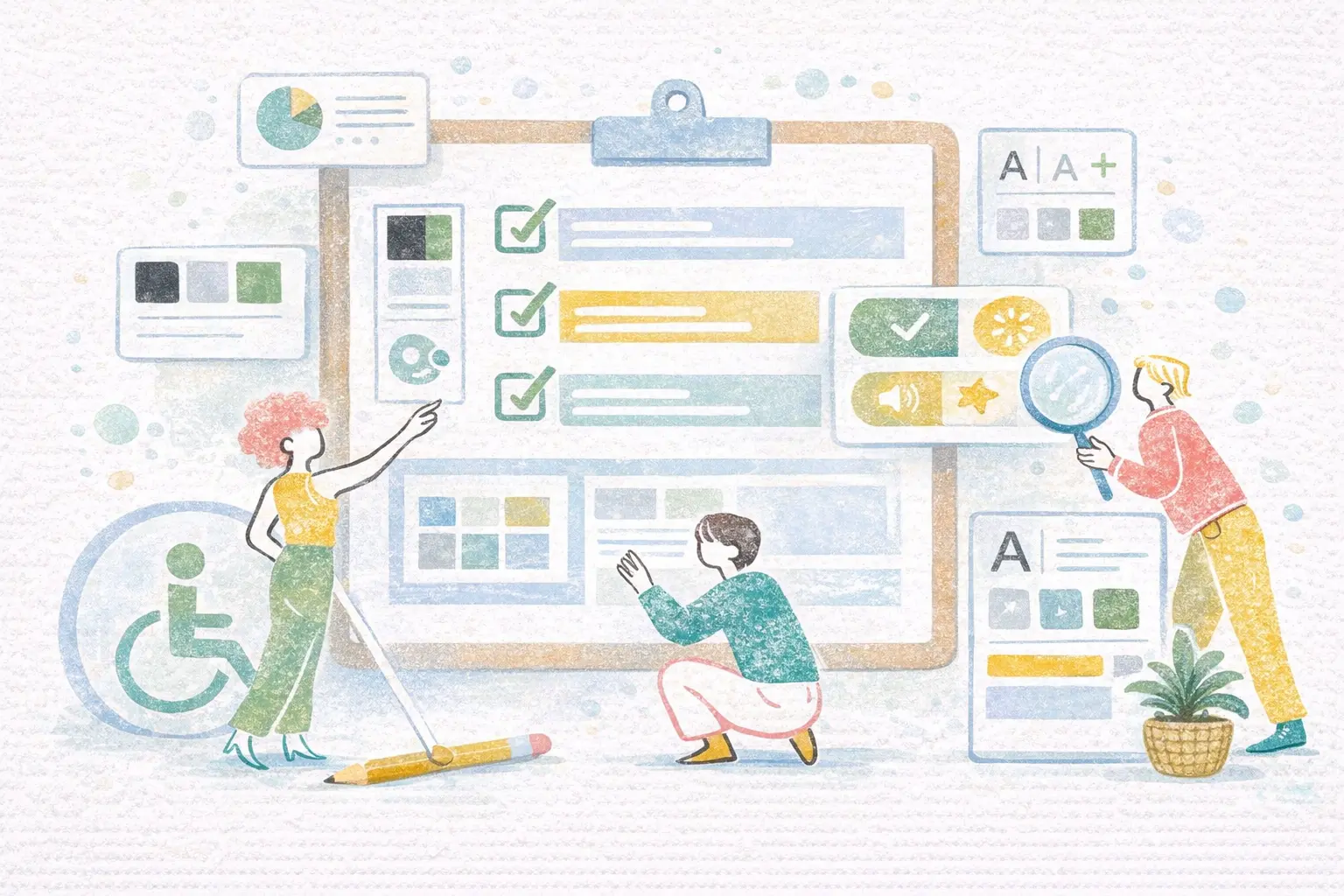
An ADA compliant website is a website that can be used by people with disabilities, following the accessibility requirements of the Americans with Disabilities Act (ADA). The ADA is a civil rights law in the United States that was created to prevent discrimination against individuals with disabilities and to ensure equal access to public services, including digital content.
Although the ADA was passed in 1990, long before modern websites existed, courts and regulators now interpret the law to include online services, mobile apps, and digital platforms. This means businesses that provide information or services to the public are expected to make their websites accessible to everyone, including users who have visual, hearing, motor, or cognitive impairments. According to the U.S. Department of Justice, organizations should ensure their web content is accessible because websites are considered places of public accommodation in many situations.
The goal of ADA compliance is not only to avoid legal problems, but also to create a better experience for all users. When a website is designed to be accessible, it usually becomes easier to read, easier to navigate, and more usable on different devices. This is why accessibility is now considered an important part of modern UI/UX design, not just a legal requirement.
ADA vs WCAG: What Standards Do Websites Need to Follow?
In practice, when people ask what is an ADA compliant website, they are usually referring to a website that follows the Web Content Accessibility Guidelines (WCAG). These guidelines are created by the World Wide Web Consortium (W3C), the international organization responsible for web standards. WCAG provides detailed technical rules that help designers and developers make websites usable for people with different types of disabilities. So ADA vs WCAG are not the same:
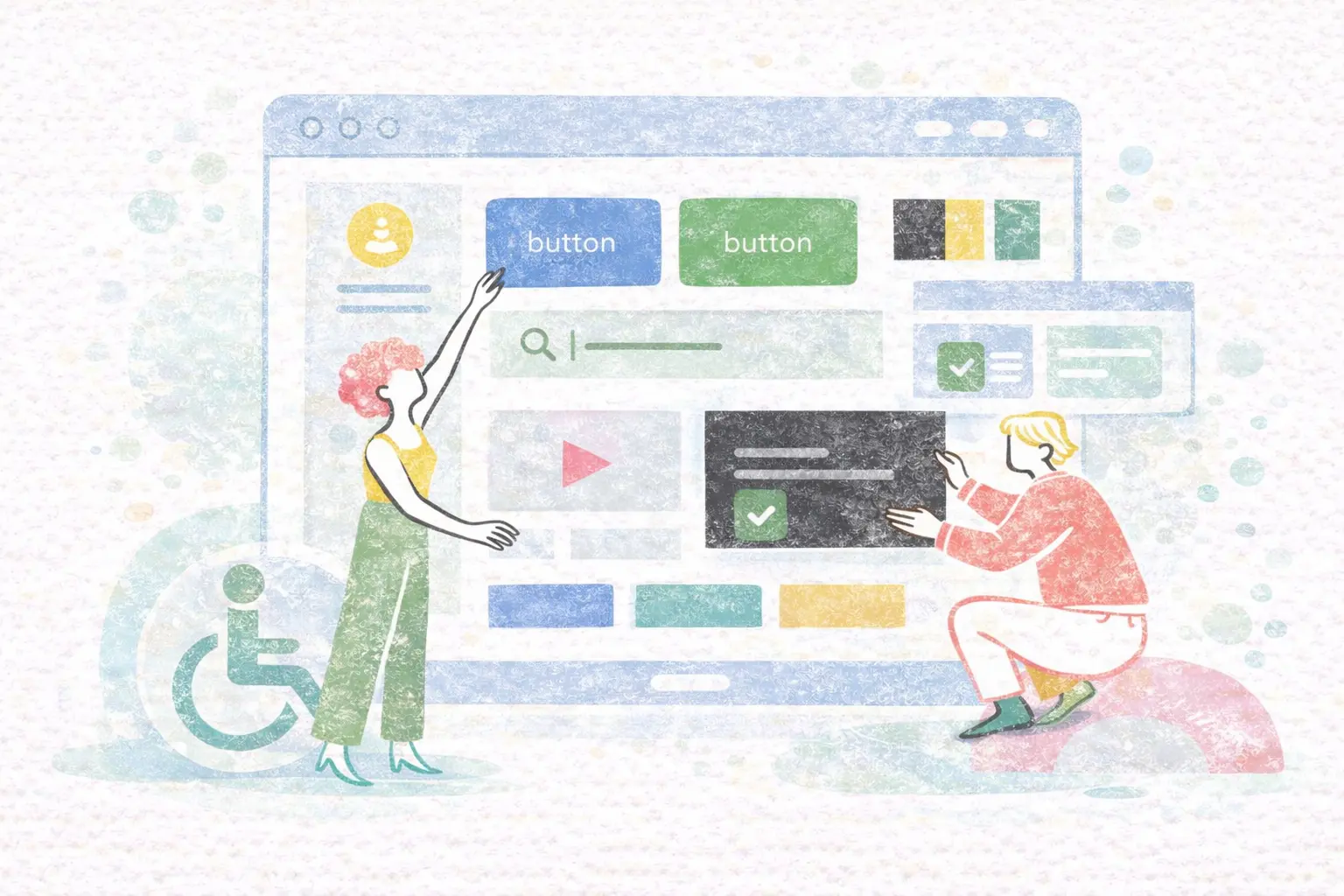
An ADA compliant website typically includes features such as text alternatives for images, clear heading structure, keyboard navigation, readable color contrast, captions for video content, and proper labels for forms. These features allow screen readers, assistive devices, and alternative input methods to work correctly. Most organizations today aim to follow WCAG 2.1 Level AA, which is widely accepted as the standard for accessibility compliance in the United States. Many legal cases involving website accessibility also use WCAG as the reference when deciding whether a website meets ADA requirements.
WCAG has three levels:
This means an ADA compliant website usually means a website that follows WCAG 2.1 AA.
Why ADA Compliance Matters for Businesses in 2026
Accessibility is no longer optional. It affects legal risk, SEO, usability, and brand reputation. First, legal cases related to website accessibility are increasing every year. Courts often require companies to follow WCAG standards even if the law does not explicitly mention websites.
Second, accessibility improves user experience for everyone, not only disabled users. Clear navigation, readable text, and structured content help all visitors.
Third, accessibility can improve SEO. Search engines prefer websites that have clean HTML structure, proper headings, alt text, and good usability. These are also part of accessibility guidelines.
Research shows that many websites still fail accessibility standards, meaning businesses that follow them have an advantage. A WebAIM study found that only about 3.7% of the top one million websites are fully accessible. This means accessibility is still rare, and companies that do it well can stand out.
Common ADA Accessibility Issues on Websites
How to Make Your Website ADA Compliant
Making a website ADA compliant usually involves several steps.
- Run an accessibility audit to find problems.
- Follow WCAG guidelines when fixing the design.
- Improve HTML structure and semantic markup.
- Test with accessibility tools.
- Review the site regularly after updates.
A typical compliance workflow includes:
ADA Compliance and Modern UI/UX Design

Accessibility is no longer just a legal requirement, it has become an important part of modern UI/UX design. A good website should not only look modern, but also be easy to use for everyone. When accessibility is included from the beginning of the design process, the result is usually a cleaner layout, better usability, and a more professional experience.
Many accessibility principles are the same as good design principles. Proper color contrast makes text easier to read, clear navigation helps users find information faster, and structured headings improve both screen reader support and SEO. These elements benefit users with disabilities, but they also improve the experience for all visitors.
Accessibility is also closely connected to responsive design. A website that works well for different abilities often works better on mobile devices and different screen sizes. Flexible layouts, readable typography, and simple interactions make the site easier to use in any situation.
From a UX perspective, ADA compliance reduces frustration and makes the website feel more natural. When users can read content easily, understand navigation, and interact without difficulty, they are more likely to stay longer and trust the brand.
Accessibility can also improve SEO performance. Search engines prefer websites with clear structure, semantic HTML, alt text for images, and logical content hierarchy. These are all part of WCAG guidelines, which means an ADA compliant website is often technically stronger than a non-compliant one.
For modern businesses, accessibility should not be added at the end of a project. It should be part of the design strategy from the start. When visual design, usability, and accessibility work together, the result is a website that is both compliant and effective.
Who Needs an ADA Compliant Website?
Many people think only government websites need ADA compliance, but this is not true. Any business that serves the public may need an accessible website, including: Healthcare clinics, Law firms, Schools and universities, Online stores, Agencies, SaaS platforms, Corporate websites, Non-profit organizations. If your users are in the United States, ADA compliance should always be considered.
ADA Compliant Website Services at Align.vn

At Align, we believe accessibility should be part of every website from the beginning, not added later. Our web design process focuses on:
We help businesses build modern websites that are fast, accessible, and compliant with current standards. If your website needs redesign, audit, or modernization, you can learn more here.